
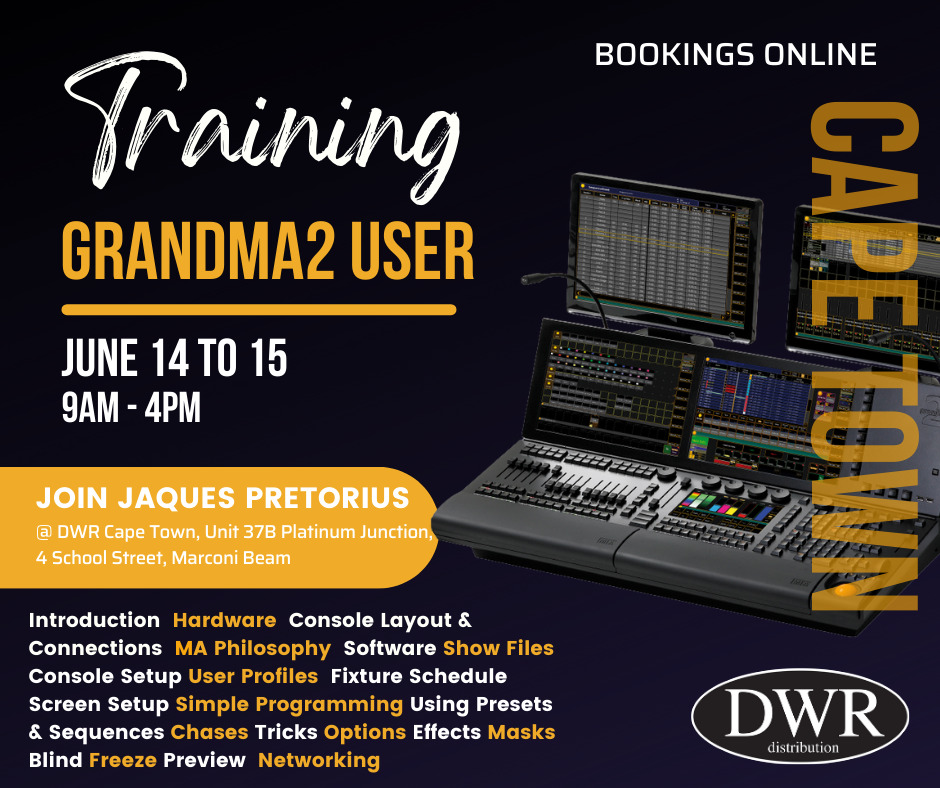
The grandMA2 User Training is a starter course intended for beginners with existing knowledge from grandMA2 online tutorials on the MA Lighting YouTube channel. The course will be presented by Jaques Pretorius from 14 to 15 June from 9 am to 4 pm at DWR Distribution, Cape Town.
Aim
This course aims to make operators familiar with the basic functions of the grandMA2 lighting control panel, the panel interface and the main features of the software and operating philosophy.
Content
First steps
- Introduction
- Hardware
- Console Layout and Connections
- MA Philosophy
- Software
- Show Files
- Console Setup
- User Profiles
- Fixture schedule
- Screen Setup
Simple Programming
- Stage view
- Controlling fixtures
- Groups
- Next/Prev/Highlight
- Using the Programmer
Using Presets and Sequences
- Presets
- Stage View Wizard
- Layout view and pool
- Sequences
- Sequence Executor Options
- Preset Type Timings
- Parts Cues
- Individual timing
Editing Sequences
- Editing Cues
- Tracking
Chases, Tricks and Options
- Chase
- Off
- MA Tricks
- Changing Executor keys and faders
- Additional Executor Controls
Effects
- Effects Concept
- Creating Simple Effects
- Playback Effects
More Effects
- Effects Part 2
The big Task
- More about Fixtures
Further Options, Controls and Filters
- Executor Options Part 2
- Data Management
Masks, Blind, Freeze and Preview
- Masks
- Blind Modes
- Freeze
- Preview
Networking
- Introduction
- Networking setting
Delegates are requested to supply their own laptops and download the latest MA2 software. Please see link to download on-PC software: https://www.malighting.com/downloads/products/grandma2/
The cost per delegate is R500 per person and includes a light lunch and refreshments.
Venue: DWR Distribution Cape Town, Unit 37B Platinum Junction, 4 School Street, Marconi Beam.
Bookings online:
https://forms.gle/TCXUpR9j1FSBgBkU8
For more information contact Amanda at amanda@staging.dwrdistribution.co.za.